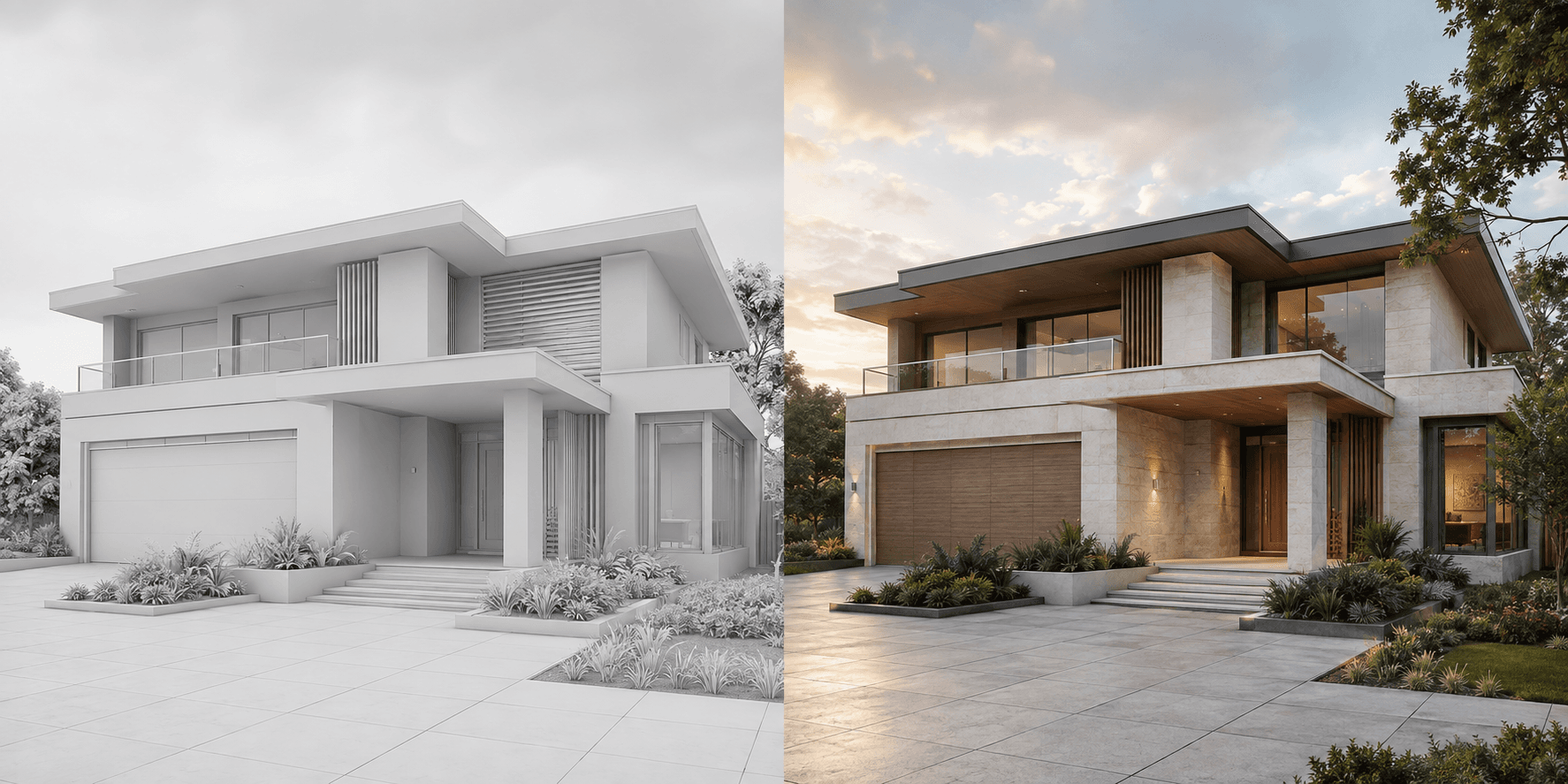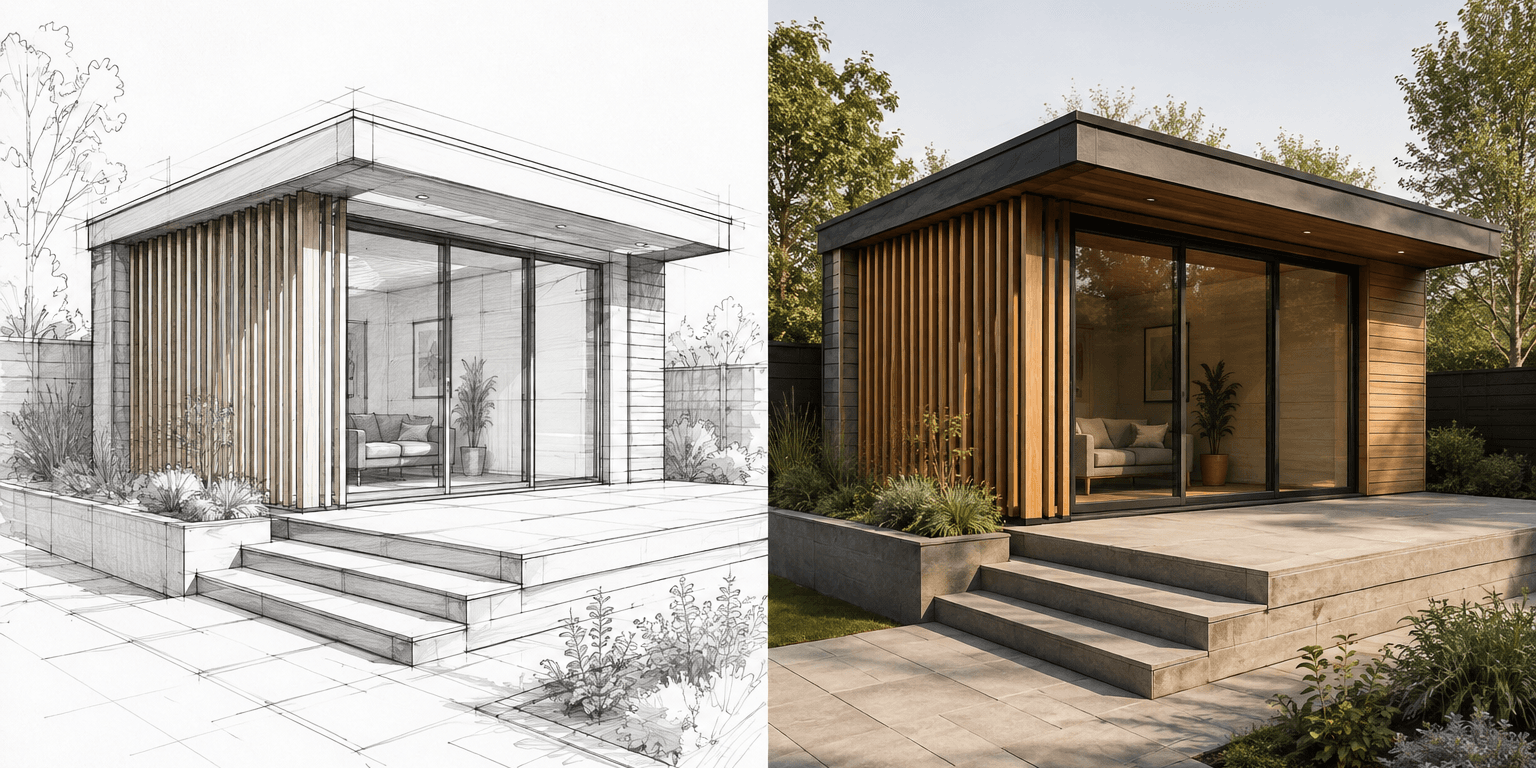
A client approval visual should make one decision easier, not make the project look finished. The most effective presentations connect the image to a clear question—material direction, atmosphere, furniture approach or landscape character—and explain which parts are fixed or still conceptual.
Why should each visual support one decision?
When every part of an image changes at once, feedback becomes difficult to interpret. A client may prefer one option because of the sunset rather than the façade material the architect intended to test. Keep the camera, design and lighting consistent when the decision is about material. Keep the material direction consistent when the decision is about atmosphere.
Should the source be shown too?
Yes, particularly for sketch and model-led visuals. Showing the source alongside the finished image clarifies the relationship between design information and presentation. It also makes it easier to identify where the visualization has interpreted an unresolved part of the proposal.
How many options should a client see?
Present the smallest set that represents the real decision. Two or three coherent directions are usually more useful than a large contact sheet of minor variations. Name each option by the decision it embodies—"pale masonry," "warm timber" or "evening hospitality"—rather than by arbitrary version numbers.
- Keep camera position and crop consistent.
- Change only the variables under discussion.
- Explain conceptual materials and illustrative landscape.
- Record which option was approved and on what date.
What should the approval record contain?
Store the chosen image with its source view, project version, brief and a short note describing what was approved. If the design later changes, retire or update visuals that no longer represent the current scheme. This prevents an attractive superseded image from returning in a later presentation or campaign.
For a workflow built around architectural source material, see Propviz for architects and the architectural rendering page.
Common questions
How many design options should be presented?
Show the smallest set that represents genuinely different decisions. Two or three coherent options are often easier to evaluate than many slight variations.
Should conceptual materials be labelled?
Yes. Make clear which materials, products and landscape elements are illustrative and which have already been specified.
What should be saved after approval?
Keep the approved image with its source view, project version, brief and a note describing the decision that was approved.