Start with a campaign
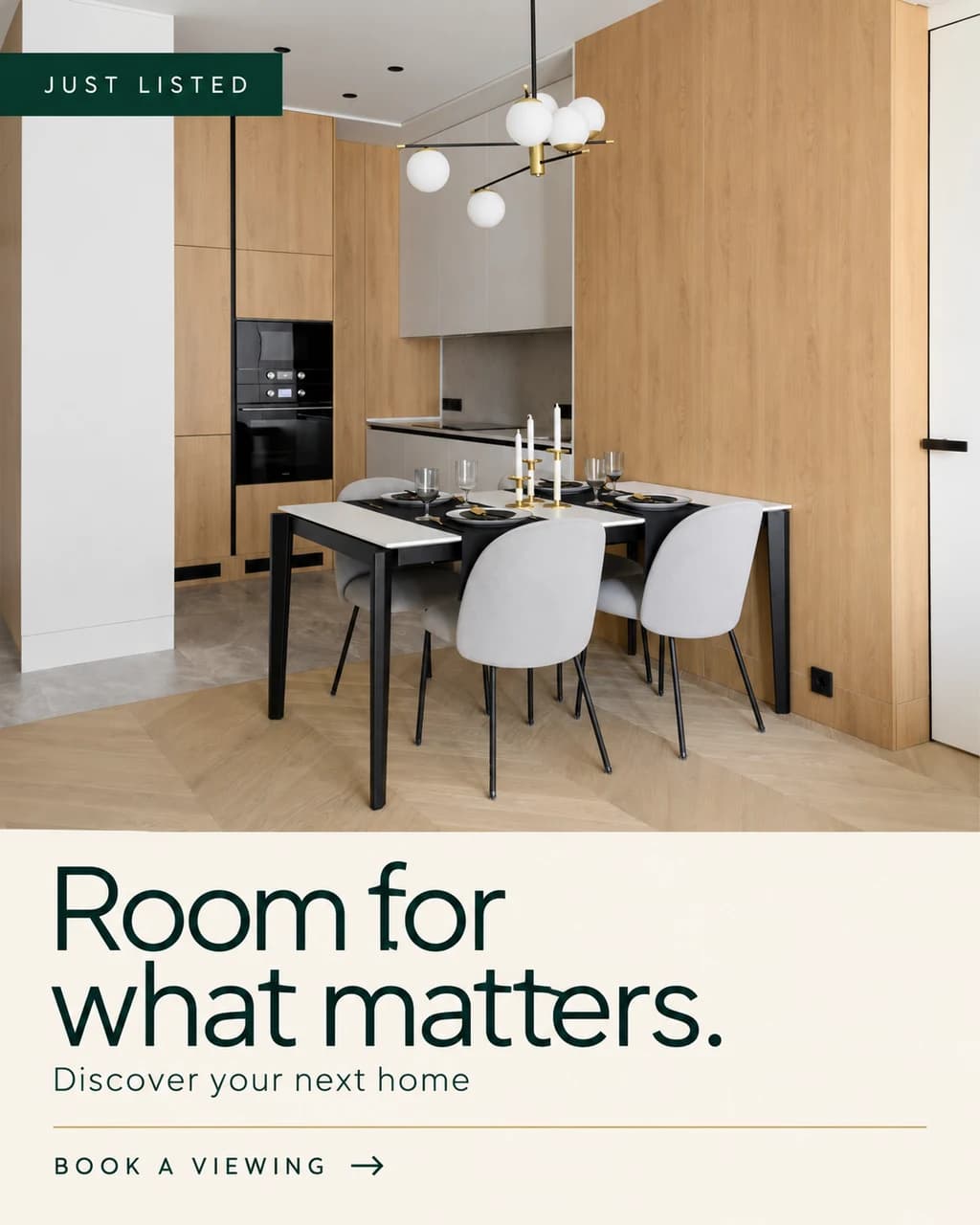
Choose Just listed, Open house, For sale, For rent, Price update or Just sold. Confirm the listing facts, headline, call to action and any event details.
Listing to Design
Create AI-designed real estate ads from property photos or a supported listing link. Set the message, visual style and format, then review and refine.
01 /Possibilities
Choose Just listed, Open house, For sale, For rent, Price update or Just sold. Confirm the listing facts, headline, call to action and any event details.
Select up to four property photos and an Editorial, Minimal, Bold or Luxury direction. Propviz combines your images, message and instructions to generate the finished artwork.
Create a square, portrait feed, vertical story or landscape image. Refine an existing ad with instructions or generate a new version for a different campaign.
02 /Workflow
Upload your photos or import a supported public listing link. Check imported details and select the images; the first selected photo leads the composition.
Choose a campaign, confirm the property and contact details, then select the style and output format. Add specific instructions if needed.
Review the generated text, property representation and layout. Refine with AI when needed, then download with paid access and publish through your usual channels.
03 /Questions
The current Listing to Design workflow generates the whole artwork with an AI image model using your photos and brief. It does not render a code-based ad template.
No. The output is a finished image, not a layered design file. Describe the changes to refine it with AI, or revise the brief and generate another version. Review text carefully before sharing.
Supported public listing links can be imported, but some websites restrict access or provide incomplete information. If import does not work, upload your photos and enter the property details manually.
Each generated ad or AI refinement costs 1 credit. Start with 10 credits for $10/month, or choose Pro for 50 credits at $30/month. All creative tools and downloads are included. Uploading photos and downloading unlocked saved results do not use credits.
No. Download the finished artwork and publish it through your social or advertising tools. Social scheduling is not available yet.