Give an empty room a purpose
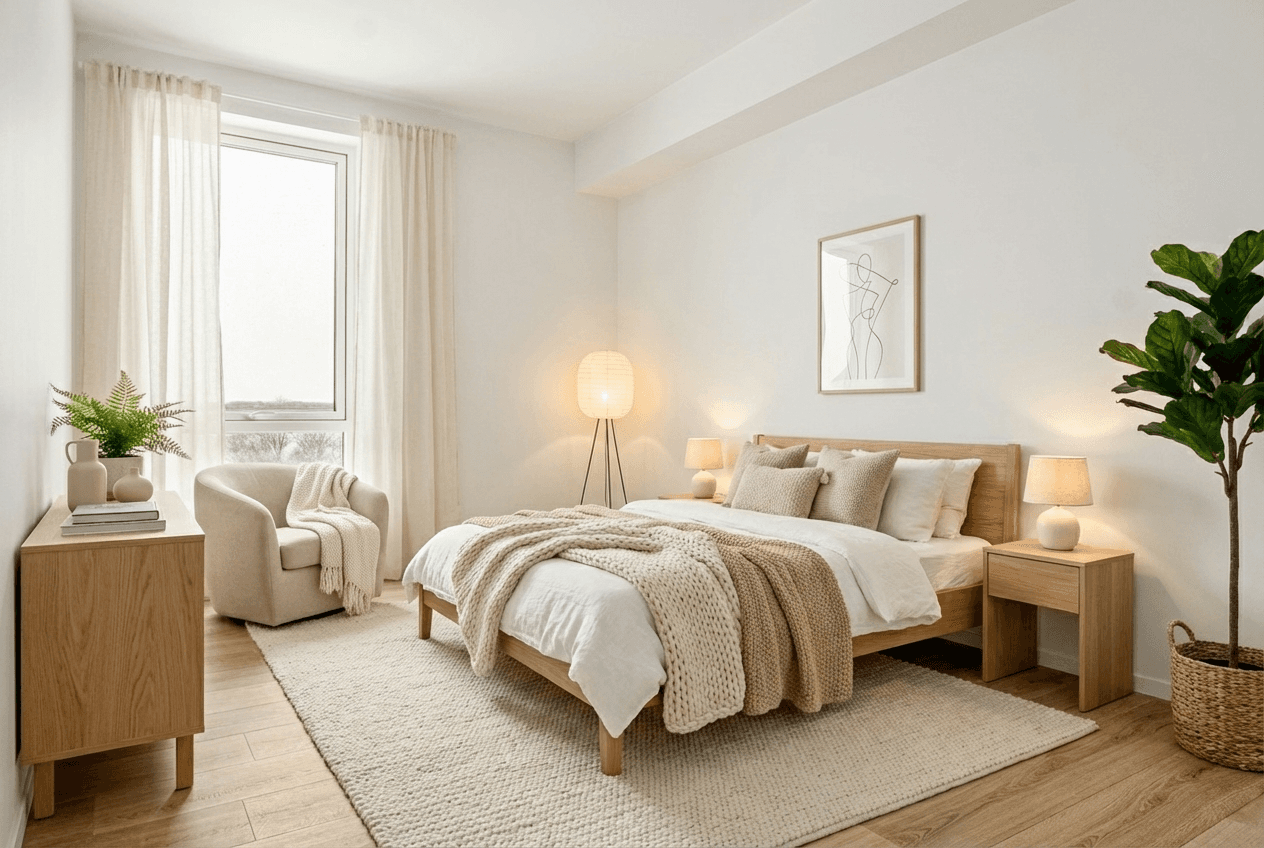
Show a furniture arrangement that helps buyers understand how a bedroom, living room or dining space might be used.
Virtual staging
Add furniture and styling to room photos with AI virtual staging. Choose a room type and style, compare with the original, and review before listing.
01 /Possibilities
Show a furniture arrangement that helps buyers understand how a bedroom, living room or dining space might be used.
Select the room type and interior style, then add instructions for furniture or styling. Generate another option when you need a different approach.
Virtual Staging is instructed to retain fixed features and finishes. Use Interior Design instead when you want to explore changes to the room itself. Always check the generated result.
02 /Workflow
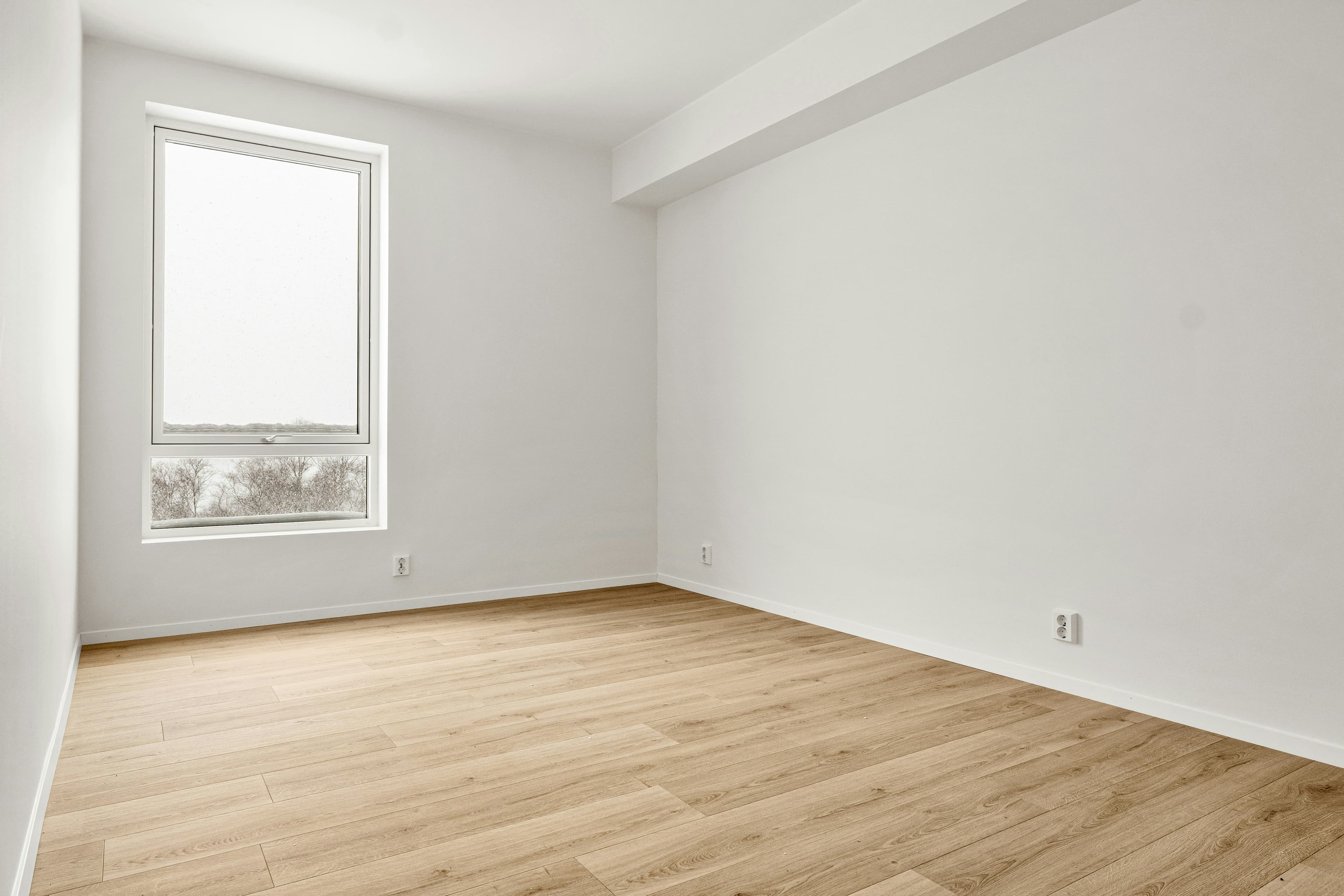
Open a Virtual Staging project and upload a clear room photo showing the walls, floor, windows and doors.
Choose the room type, style and available settings. Add any specific staging instructions, then generate a preview.
Check the result against the original, including openings, fixed features and furniture scale. Pro unlocks downloads of your saved results.
03 /Questions
Virtual Staging focuses on furniture and styling for a property listing. Interior Design is a separate workflow for exploring furniture, palettes and finishes as a design concept. Neither output replaces the original property photo.
The workflow instructs the model to retain the room's fixed features and finishes, but AI can still change details. Compare every result with the source and reject or refine misleading changes before using it.
No. Requirements vary by listing service, portal and location. Review the image and required disclosures before publishing; Propviz does not certify listing compliance.
A generated staging image uses 1 credit. Start with 10 credits for $10/month, or choose Pro for 50 credits at $30/month. All creative tools and downloads are included. Existing results unlock after payment; there is no need to generate them again.