Work from the assets available
Use model screenshots, sketches, site photographs, plans and approved renders as appropriate starting points for each campaign need.
For property marketing teams
Build a campaign from the project assets you have. Carry an approved visual direction through images and short videos for launches, websites and presentations.
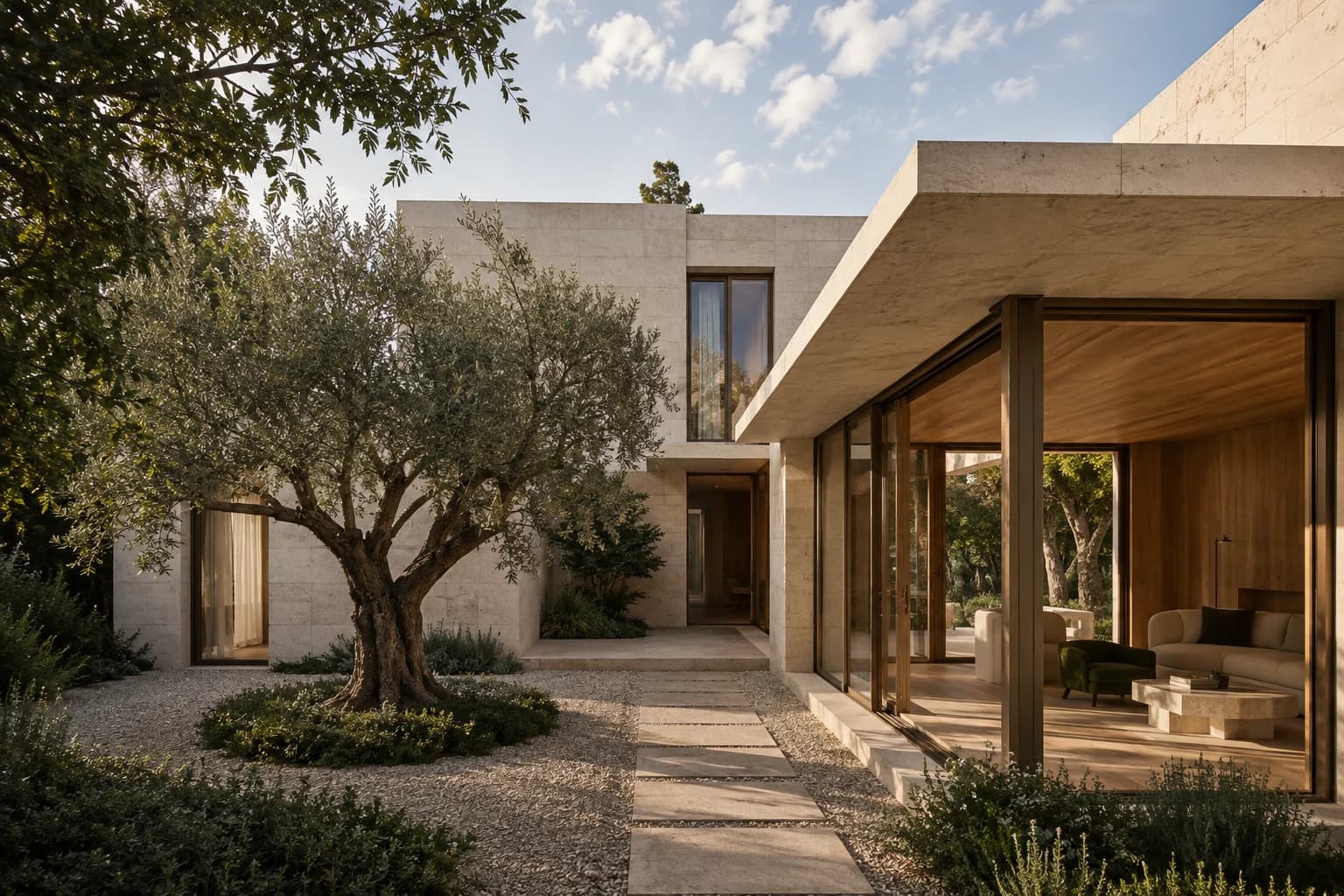
01 /In your practice
Use model screenshots, sketches, site photographs, plans and approved renders as appropriate starting points for each campaign need.
Carry an approved palette, atmosphere and level of finish across interior, exterior and motion outputs.
Create visuals for stakeholder decks, early launches, websites, advertising and sales material as the project develops.
02 /Workflow
Collect the current plans, model views, approved materials, brand direction and usage rights for the project.
Generate the hero render, room visual, exterior option, floor-plan view or video required for the next channel.
Run the visual past the relevant design or project owner, then store the approved output with its source and status.
03 /Questions
Yes. An exterior may start from a model screenshot, an interior from a room photograph and a spatial explainer from a floor plan.
Yes. Reuse an approved material, lighting and atmosphere direction across the outputs while reviewing each one against its source.
The person responsible for the current design or property information should verify the physical representation before marketing publishes it.
Yes. Create and approve the still visualization first, then use it as the source for short motion content.