“Warm, but not too beige” is a reasonable client preference. It is also difficult to turn directly into a purchasing decision. An early concept review should make that preference more precise before anyone spends time sourcing a complete room.
AI can help an interior designer put two directions in front of a client using the same room photograph. The useful outcome is not a folder of impressive renders. It is an agreed direction, a short list of unresolved questions and a clear next step towards a buildable design.
Start with the decision the meeting needs to make
Decide what is open for discussion. For a living room refresh, that might be wall colour, upholstery and the balance of light and dark wood. The fireplace, window treatment and built-in shelving may already be fixed.
Write those boundaries into a short brief. Add practical constraints from the client: existing pieces they want to keep, maintenance preferences and the intended budget. A generated image cannot verify the budget, but it should not distract the meeting with a direction you already know is unsuitable.
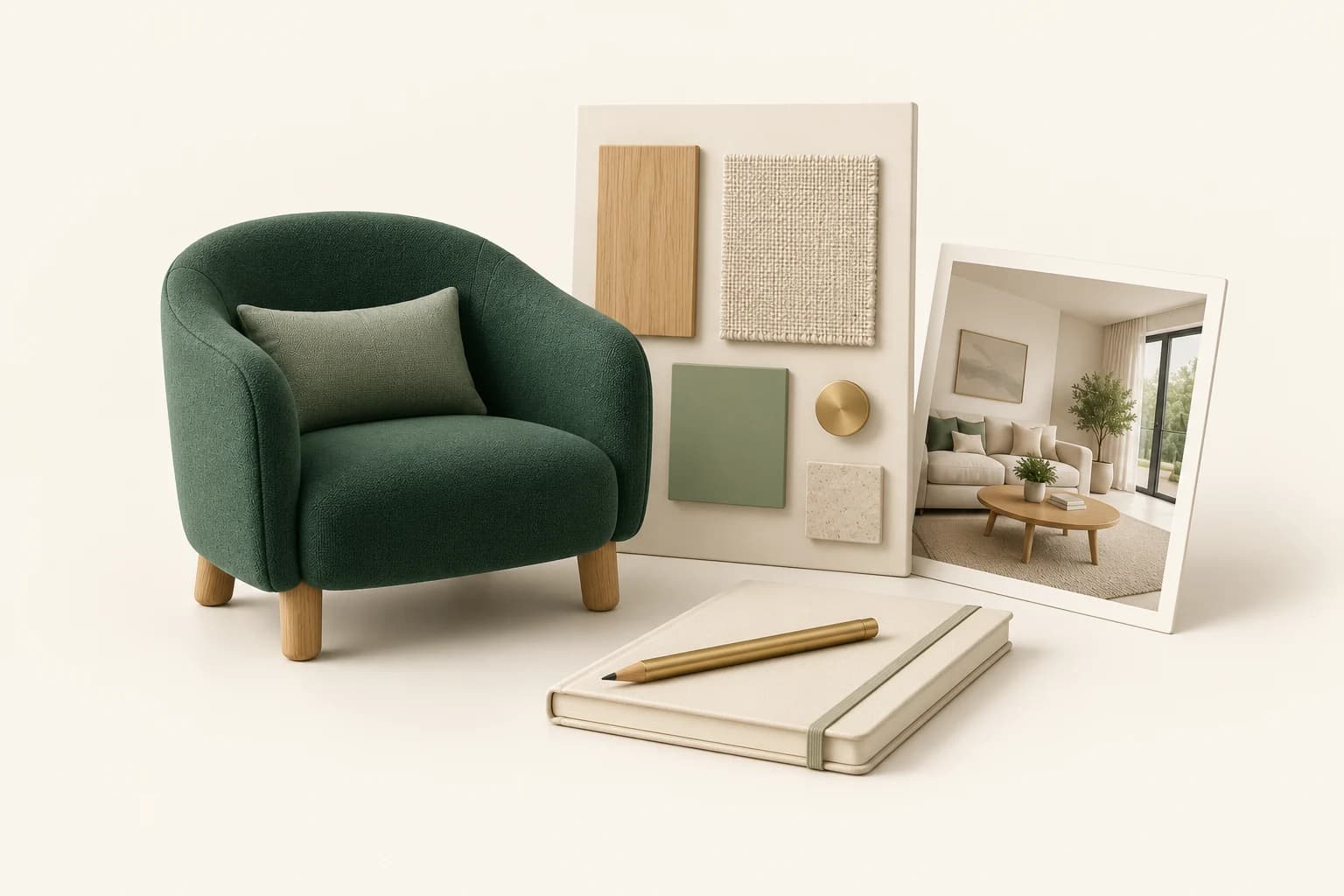
Collect actual reference materials separately. Milanote supports moodboards with images, notes and links, which makes it useful for keeping the client's references beside product pages and material samples. The board records what an image is referring to; it should not become an unlabelled mixture of real products and invented furniture.
Make two comparable concepts in the same room
Open Interior Design in Propviz and upload a clear photo. This workflow is for exploring changes to a room. If you only want to furnish an existing property for a listing, use Virtual Staging instead.
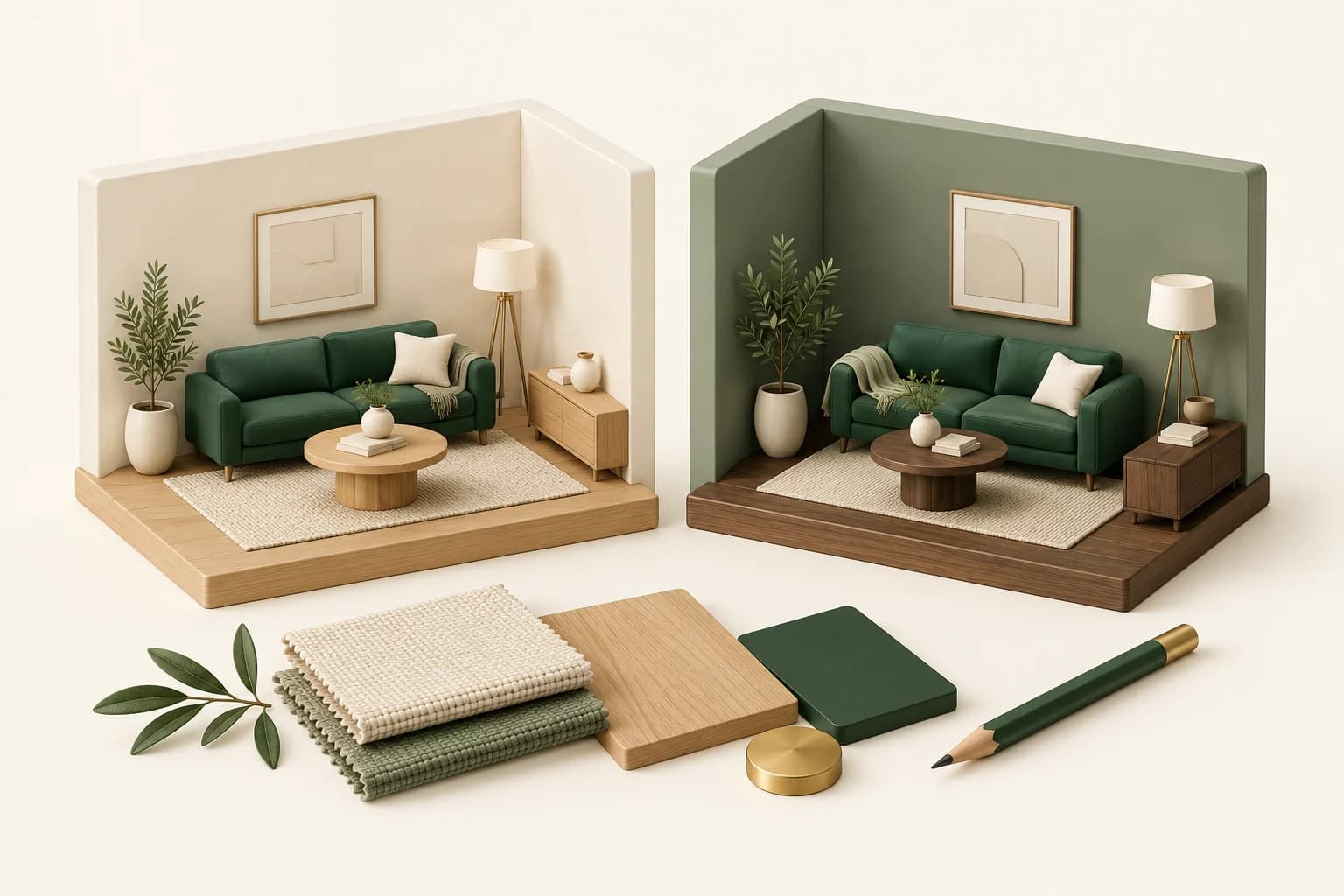
Give the alternatives plain names that describe the decision: “Light oak and linen” and “Walnut and muted green.” Use the same source view and request the same layout. Avoid changing the lighting, furniture density, wall colour and camera angle all at once; the client will struggle to identify what they prefer.
Here is an example brief for the first direction:
Explore this living room with cream plaster walls, light oak accents and linen upholstery. Keep the window openings, fireplace, built-in shelving and camera view. Keep the main seating arrangement. Treat the new finishes and furniture as a proposed concept, not existing conditions.
For the second direction, change only the intended variables: muted green walls and walnut accents, for example. AI may still change other details, so the two outputs need checking before they become a fair comparison.
Use cleanup only when it answers a specific need
An occupied room can be difficult to read if temporary clutter or furniture dominates the photo. Propviz includes cleanup and furniture-removal options. They can help create an exploratory blank-room view before trying a new arrangement.
Keep the untouched source. Removing furniture means the model must invent the surfaces behind it; the result does not reveal what is actually there. Do not use an inferred floor or wall condition as a survey record or a basis for specifying repair work.
Present less and ask better questions
Show the original and the two checked concepts. Keep rejected experiments out of the client presentation. You can select approved assets for a Propviz shared presentation, or place the exported images in your existing presentation document.
Instead of asking only “Which one do you like?”, ask questions that lead somewhere:
- Does the darker wall feel comfortable for how you use the room?
- Which existing pieces still belong in this direction?
- Is the preference about colour, furniture shape or the amount of decoration?
Record decisions in words as well as images. “Direction B, but retain the current sofa and lighten the curtains” is a usable instruction. “Make it more like the second one” leaves too much open.
Translate the concept into real choices
After the meeting, move back to measurements, product information and material samples. A rendered chair is not a product specification. A convincing stone surface does not establish a supplier, finish, price or lead time.
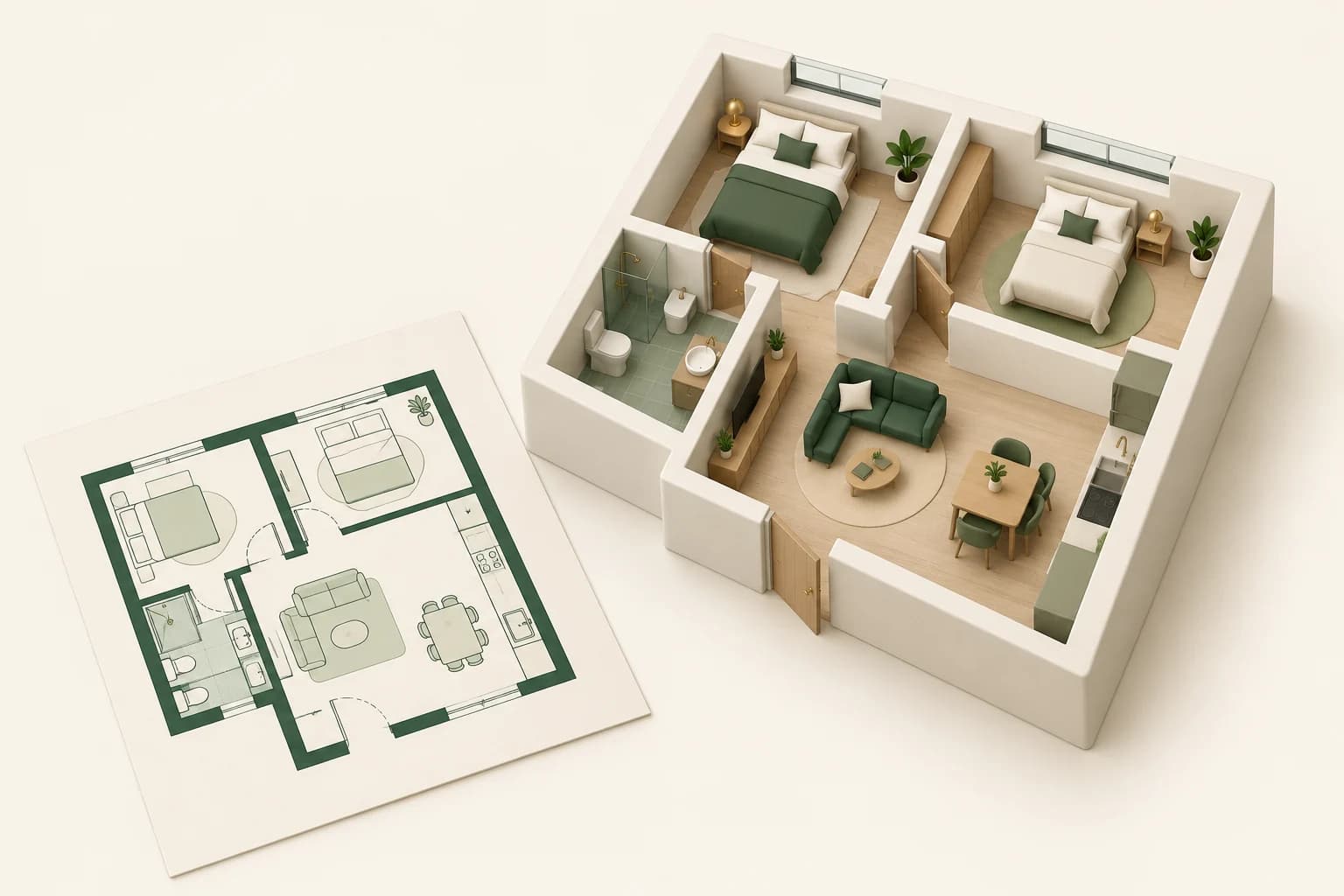
If a new furniture layout is central to the proposal, verify it in your measured drawing or model. SketchUp, for example, can remain your modelling environment; Propviz works from exported images rather than maintaining a live connection to the model. SketchUp documents its image export workflow for preparing views.
A useful review ends with three things: the preferred concept, the items that need sourcing and the questions that still need technical checking. AI imagery supports that conversation. It does not replace the design work that follows it.