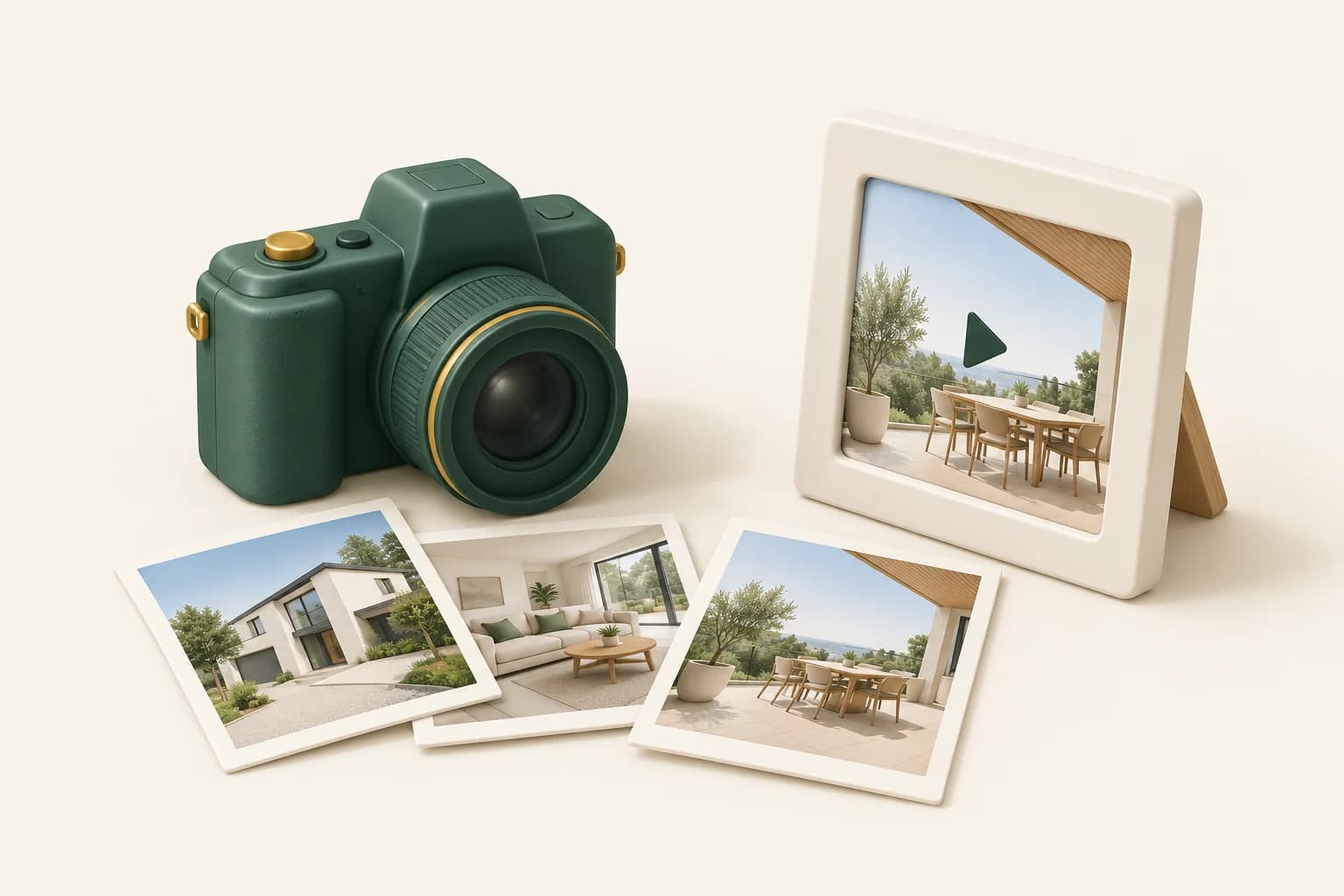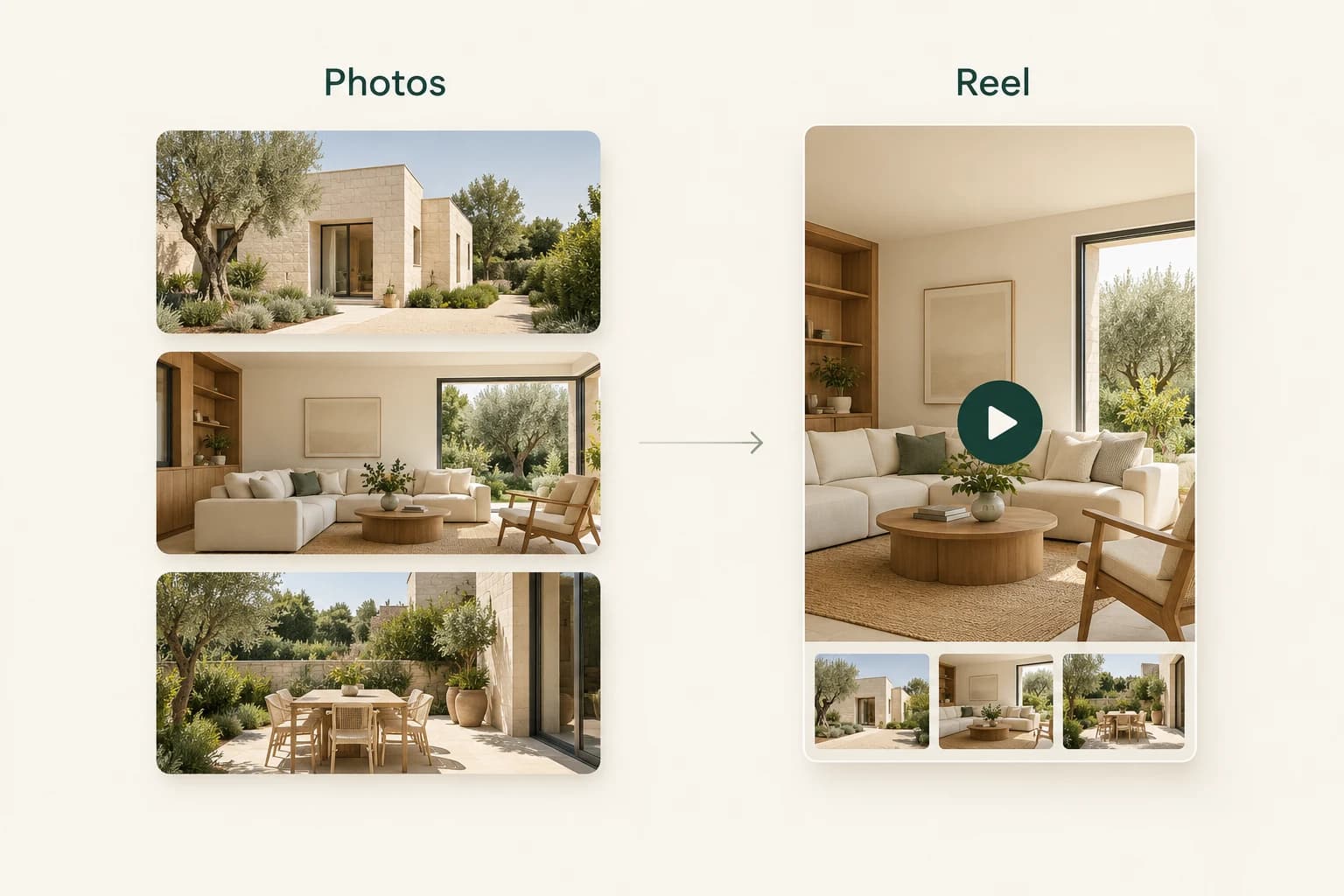
A folder of good property photographs is a useful starting point for a short real estate reel. The creative work is deciding what deserves attention, how the images fit together and what someone should do after watching.
With Propviz, you can turn selected listing photos into AI-generated moving clips, arrange them into a reel and edit the accompanying social caption. You are creating motion from photographs, not recording a continuous walk through the building. Keeping that distinction clear makes both the creative brief and the finished marketing more useful.
Here is a practical workflow for your next listing.
Decide what the reel needs to communicate
Choose one purpose before selecting the photos. A new-listing reel introduces the property. An open-house reel invites someone to a specific event. A feature-led reel might draw attention to the relationship between a living space and a terrace.
Trying to cover every room, every feature and every selling point usually produces a sequence without a clear emphasis. Start by completing this sentence:
After watching, I want someone to notice ___ and then ___.
For example: “After watching, I want someone to notice the bright living spaces and then request a viewing.” That is a creative objective, not a claim about how viewers will behave.
Choose photographs that earn their place
For a first attempt, select three to six clear photographs. Give each one a different job. An exterior can establish the property; a living room can introduce its character; a kitchen or terrace can add a memorable detail.
Avoid using several near-identical angles simply because they are available. A shorter, more deliberate selection is easier to review and gives the reel a clearer progression.
Use images you have permission to upload and use in marketing. Check that they show the property's current condition. If any image is virtually staged or depicts a proposed change, keep that information with the asset and identify it appropriately when publishing.
Bring the source material into Propviz
Open Listing to Reel and upload your property photos, or start with a supported public listing URL. Review imported images and property details before continuing. A successful import is a starting point, not confirmation that every field is complete or correct.
If the listing website blocks importing, use your own authorised photo files instead. Remove duplicates, choose the images you want to use and check the generation cost shown in the studio.
You do not need to turn every photograph into a clip. Select the set that supports the purpose you chose at the start.
Build a sequence with a clear beginning and ending
A useful starting sequence is:
- A strong opening view that represents the property honestly.
- The principal living space.
- A complementary room or a distinctive detail.
- A final view that supports the invitation to learn more.
This is an editorial sequence, not proof of how rooms connect. Do not imply that a generated transition documents a physical route through the property.
After generation, review the clips individually. Watch window frames, cabinetry, furniture edges, reflections and objects near the edge of the image. Motion can make a visual inconsistency easier to miss on the first viewing. If a clip changes an important feature, do not publish it as an accurate representation of the home.
Write the social caption separately
Propviz's reel caption accompanies the post; it is copied separately and is not automatically overlaid on the video. Treat the reel and caption as two related pieces of work.
Use a short opening, a factual description and one next step. Here is an illustrative example for a property that genuinely has the features described:
A closer look at this home's living spaces.
Explore the light-filled lounge, kitchen and garden terrace. These AI-generated motion clips are based on the listing photographs.
Contact the listing agent for current details and viewing availability.
Replace generic claims with verified details. Confirm the price, address, room counts, availability and any event information against the current listing. Avoid adding a feature simply because it sounds attractive in the caption.
Review the complete reel before downloading
Play the assembled reel from beginning to end. Check the opening, order, transitions, framing and ending. Confirm that you are reviewing the complete reel, not only the first generated clip.
Preview it at the size people will actually see on a phone. A wide photograph inside a vertical format can make the property feel small; check the crop or framing instead of assuming that a taller output is automatically better.
Download the finished reel once you are happy with it, then publish through your usual channels. Social scheduling inside Propviz is not yet available.
Know the cost before you begin
At the time of writing, a complete Propviz listing reel costs 10 credits. New accounts receive five free preview credits, so the trial allowance alone does not cover a complete listing reel. Pro is $30 USD per month with 50 credits and unlocks downloads. Check the current pricing and the cost displayed in the studio before generating.
The useful question is not how much movement you can add. It is whether the reel helps someone understand the property and gives them a clear next step.
Open Propviz and choose Listing to Reel to start with your own authorised photographs.
Common questions
Do I need a recorded property video
No. This workflow generates motion from photographs. The result is not a substitute for a measured tour or a recording of the actual route through the home.
Can I change the clip order
Yes. You can change the sequence in the studio and review the assembled result before downloading.
Does the social caption appear inside the video
No. The accompanying caption is edited and copied separately. Review the video and the post copy before publishing both.