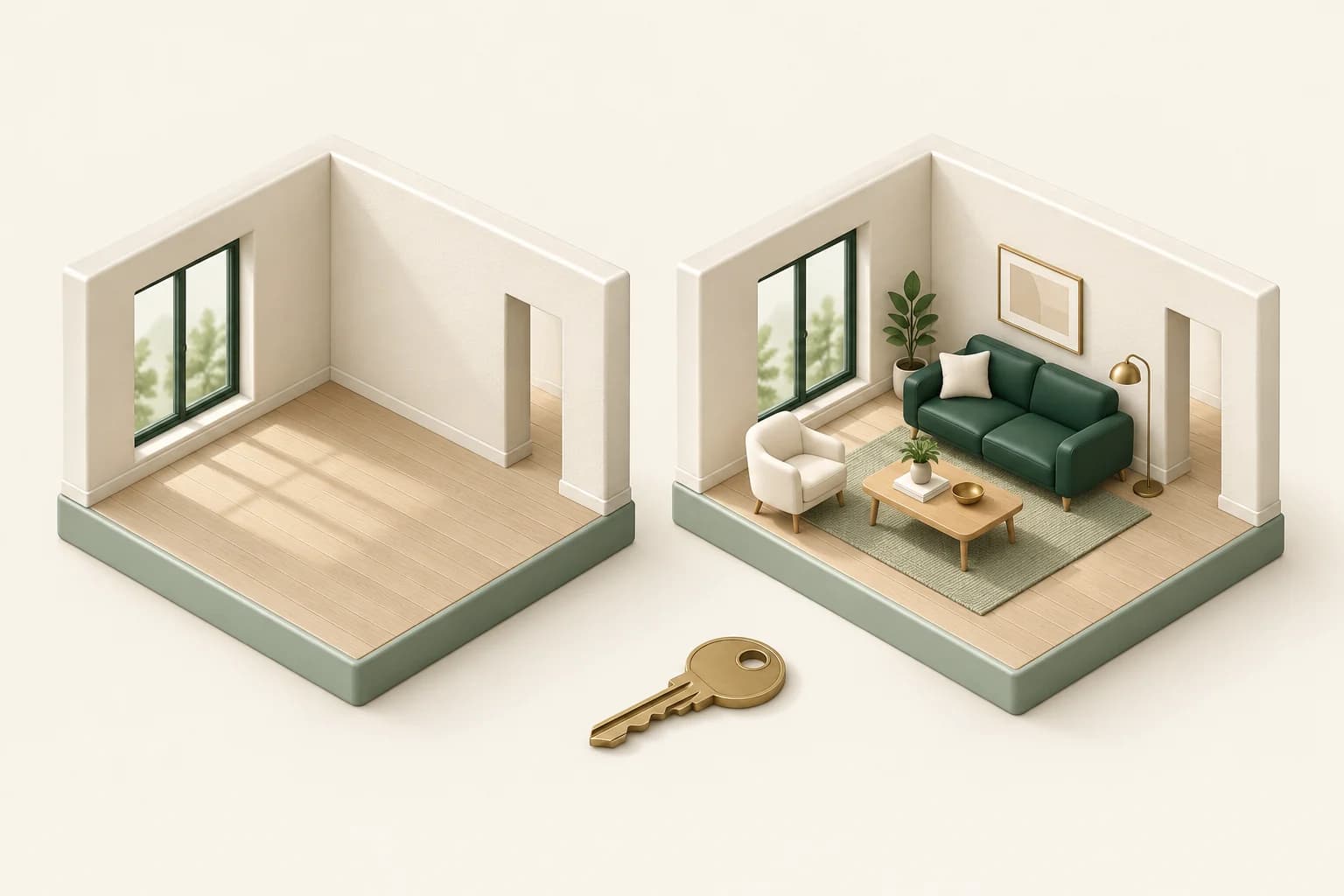
You have the photographs, the listing details and a date to go live. The empty living room is the weak point: buyers can see the floor and windows, but the photograph does little to explain where they might sit, eat or work.
This is a useful job for AI virtual staging. The aim is to show a plausible use of the existing room, not to make the home look renovated. For an agent, the deliverable should be a small set of checked, clearly labelled images that can sit alongside the original photography.
Choose the room that needs explaining
Start with one room rather than staging the whole property. Choose a space where furniture would answer a real question: where does the living area end in an open-plan room, or how might a spare bedroom work as a guest room?
A room that already reads clearly may not need an altered image. Nor should staging be used to hide damage, cover a permanent obstruction or suggest more usable space than exists. Keep the original photo as the reference throughout the job.
Before uploading, confirm that you have permission to create and publish altered versions of the photography. If a photographer supplied the images, check the agreed usage rather than assuming that delivery includes every kind of editing.
Prepare one reliable source photo
Use a wide but believable view with the main openings and enough floor visible. Correct an accidental tilt before asking a model to furnish the room. Adobe Lightroom provides crop, straighten and geometry controls; review the corrected image so that fixing perspective does not remove an important doorway from the frame.
That gives each tool a clear job. Lightroom prepares the photograph. Propviz adds a furniture concept. Your listing system remains the place for the current property facts. You can move exported files between them; this workflow does not require a direct integration.
Brief the furniture, not a new property
In Propviz, create a Virtual Staging project and upload the room photo. Choose the room type and a suitable style, then use the instructions to describe the furniture and the features that must stay.
For a compact living room, a useful brief would be:
Add a compact two-seat sofa, one armchair and a small coffee table in a warm neutral palette. Keep the existing walls, flooring, doors, windows, built-ins and camera position. Keep the doorway and the route across the room clear. Do not add a fireplace or change the view outside.
Choose furniture that explains the space without filling every corner. A large sectional may look inviting but communicate an arrangement that is not practical. Check actual room dimensions before making any claim about what fits.
If the brief requires replacing the flooring or changing the walls, it belongs in a separate renovation concept. Propviz's Interior Design and Virtual Staging workflows serve different purposes. Do not mix their results in a listing without explaining the difference.
Review against the original
Compare the generated image with the source at full size. Start with the building, then look at the furniture. A convincing sofa is irrelevant if the model has removed a window.
- Count the doors and windows and check their positions.
- Compare flooring, wall finishes, built-ins and permanent fittings.
- Check that furniture does not block access or appear to pass through another object.
- Inspect mirrors, glass and exterior views for invented details.
Reject an inaccurate result rather than relying on a general staging label to explain it away. AI staging can introduce unintended changes even when the instructions ask it not to.
Deliver a pair, not an orphan image
Keep the approved staged image with its original. A simple file pair such as living-room-original and living-room-virtually-staged helps prevent confusion when another person uploads the listing.
Use a clear description such as “Virtually staged to illustrate a possible furniture arrangement.” Check your brokerage, listing service and applicable local requirements for placement and disclosure. If an image needs a visible label, Canva can add editable text over an uploaded image. Review the exported version, not only the editor preview.
Propviz requires a paid plan for downloads; check current access and pricing before promising a delivery. The finished package is deliberately modest: the original, one approved alternative and an accurate caption. Its purpose is to make the room easier to understand while keeping the property itself honest.